OEVUE
iPhone camera for makers
Every piece, shot the same way.
OEVUE is a camera for ceramicists, sculptors, craftspeople and artists who photograph their own work in the studio. Save how you shoot once. Then repeat it: same framing, same size, same line on the floor.
Coming soon on the App Store
For iPhone. No account. Works offline.
How it works
From setting the piece down to a finished image
Save a preset
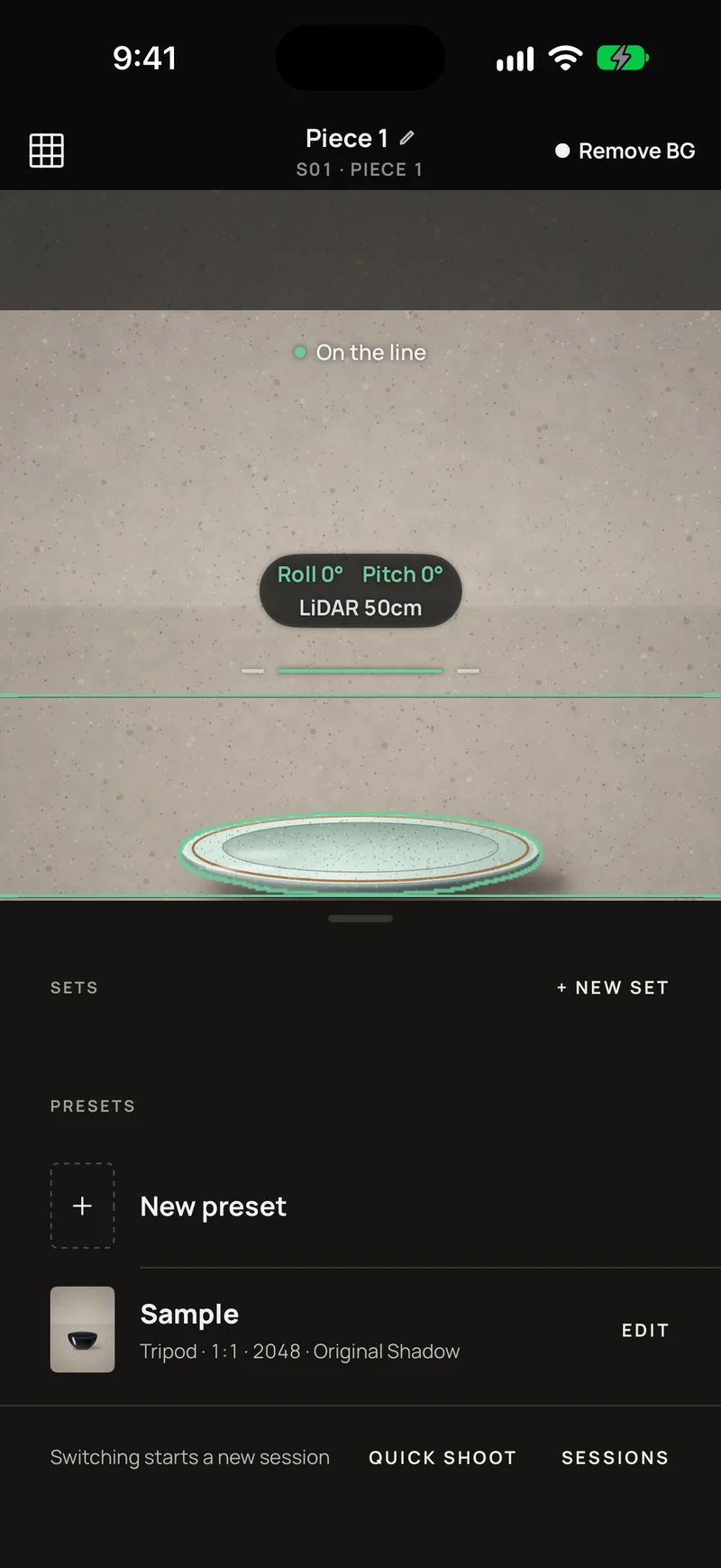
Framing, angle, distance, camera settings and output format, saved under a name you choose.
Line it up
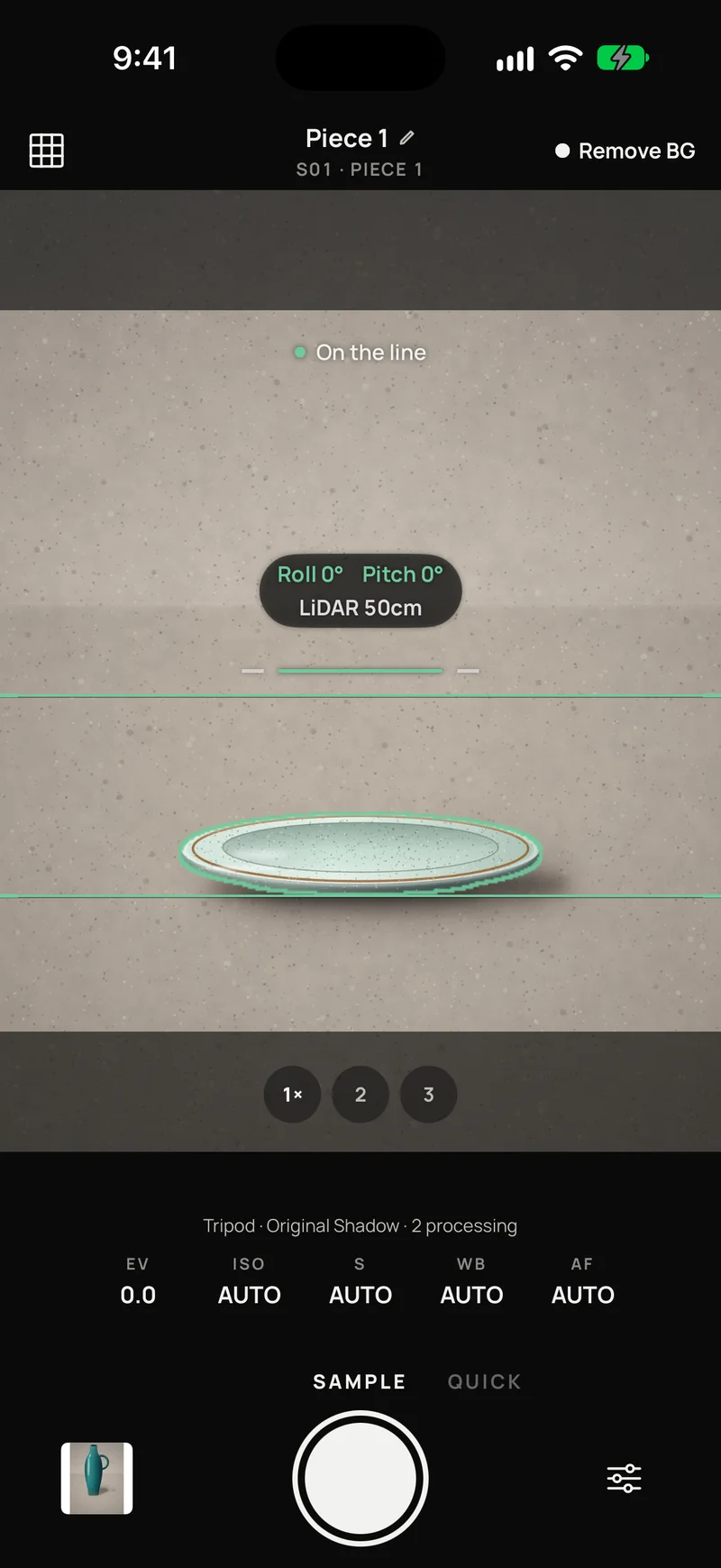
A live guide shows level, a baseline and an outline. When the piece is in place, the camera says "On the line".
Shoot
Fix the phone on a tripod or hold it. Processing runs behind the shutter, so you can set the next piece down right away.
Cut out, keep the real shadow
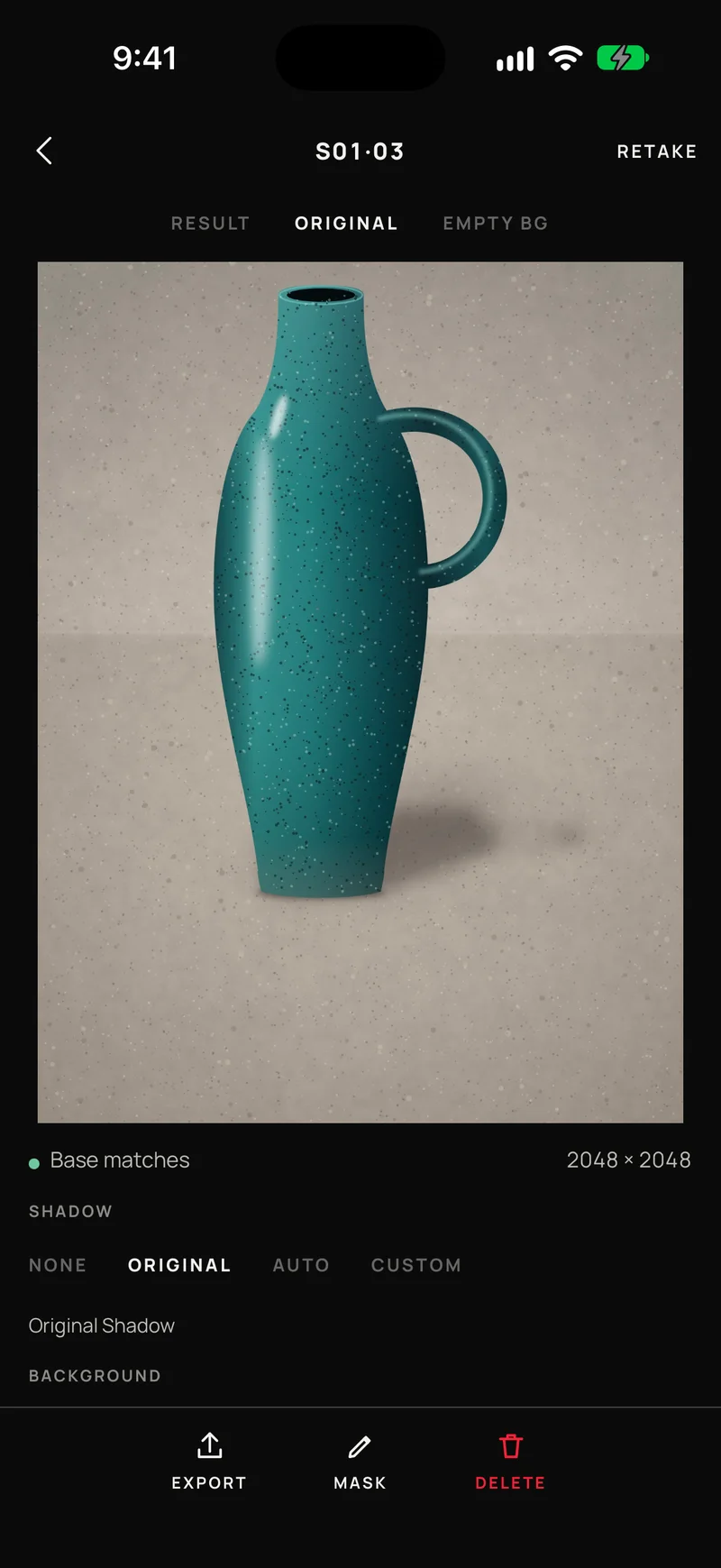
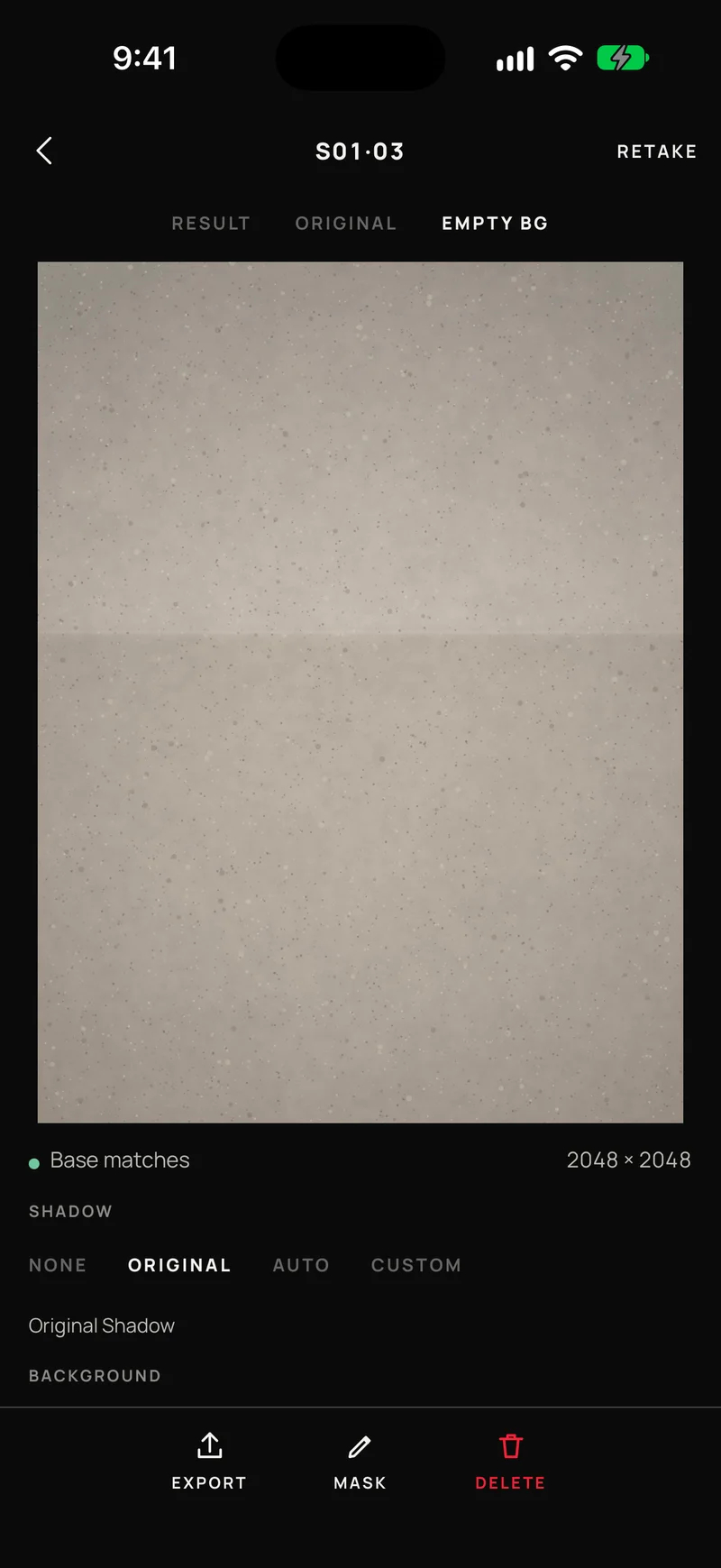
Background removal runs on the phone. Shoot the empty background once and the shadow the piece really cast can stay.
Same size every time
Choose a ratio and size, for example 1:1 at 2048 px. Every image in a session is the same size, standing on the same baseline.
Presets and sets
Decide the shot once.
A preset keeps the framing, angle, distance, camera settings and output format together under one name. Pick it in the camera and shoot. When a piece needs more than one view, a set walks you through them, for example front, then top, then 45°.
- Tripod mode and handheld mode
- Each piece is named and numbered
- Come back later and continue an earlier piece
Live guide
See when you are on the line.
Level and tilt are drawn on the viewfinder, with a baseline and an outline of the frame. When the piece sits where it should, the camera says so. On iPhones with LiDAR it also shows the distance to the piece.
- Level and baseline line, drawn live
- "On the line" when the shot matches
- Distance in centimeters on iPhones with LiDAR
Background and shadow
Cut it out. Keep the real shadow.
Shoot the empty scene once, without the piece. OEVUE compares each shot with it, so the shadow the piece really cast can stay in the final image. Choose No, Original, Auto or Custom shadow. Or turn background removal off, and keep the background as it was.
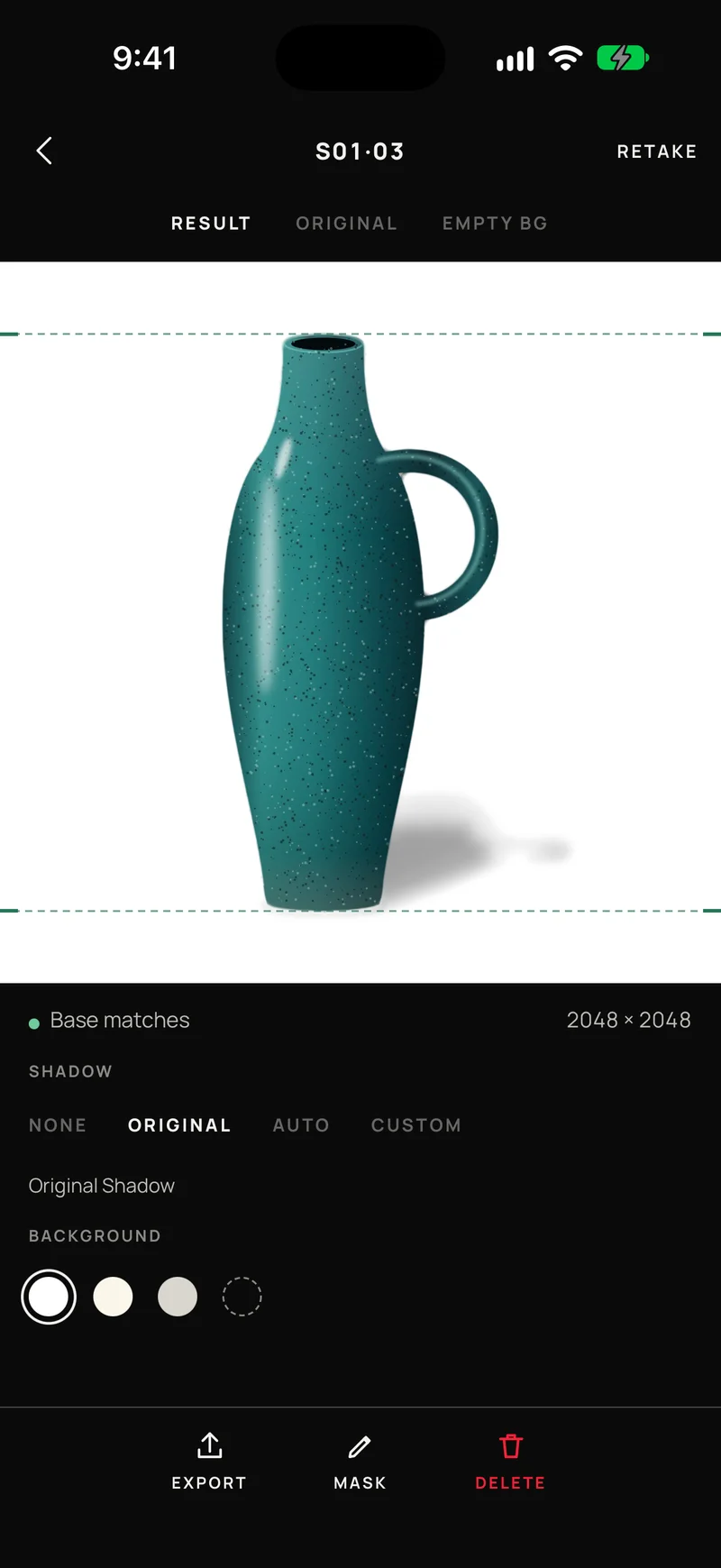
- Background removal runs on your iPhone
- Pick a background color, or leave it transparent
Output
The same size, every time.
Choose a ratio and a size once. Every image in a session shares it, and the pieces stand on the same baseline, so a row of finished images lines up. Export PNG or JPEG to Files or Photos.
- Ratio and pixel size set by the preset, for example 1:1, 2048 px
- Sessions laid out as a contact sheet
Privacy
Your photos stay on your iPhone.
No account, no analytics, no ads. OEVUE does not make network requests, so it works offline and nothing you shoot is sent anywhere.
Read the privacy policyShoot the next piece the same way.
OEVUE is on its way to the App Store.
Coming soon on the App Store